03
Topics
Make the big thing a topic.
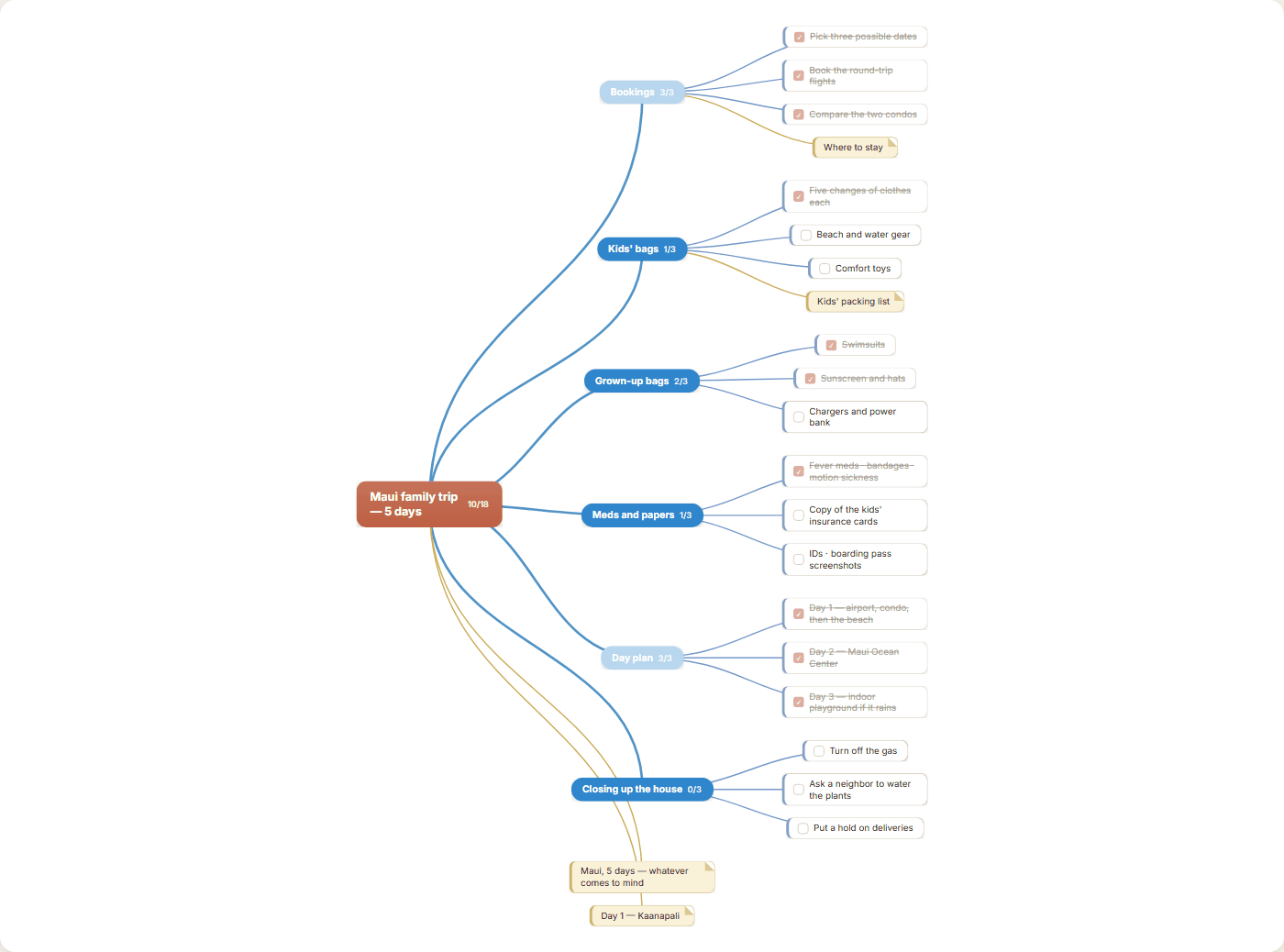
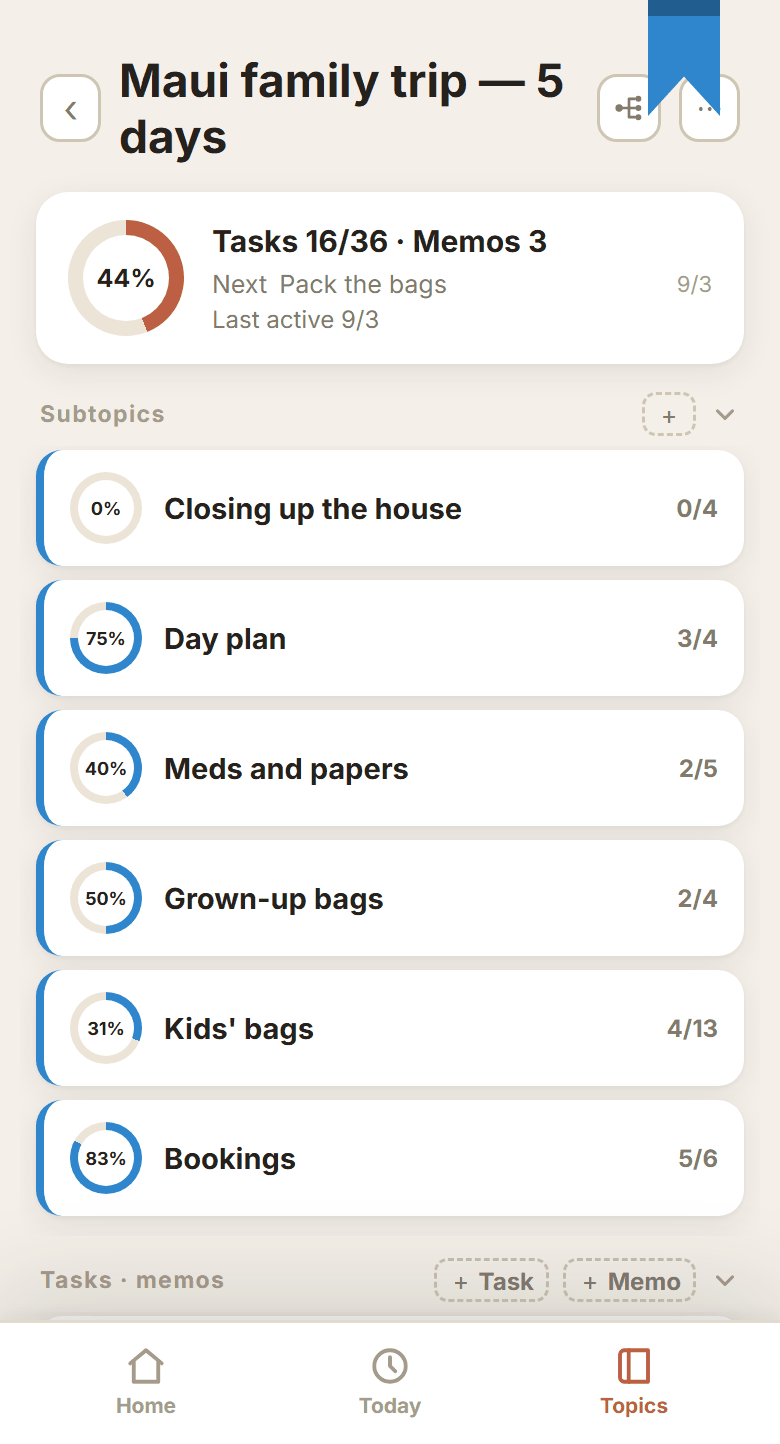
Make “Maui family trip — 5 days” a topic and split what you have to handle into subtopics. Bookings (flights, condo, rental car), kids' bags, grown-up bags, meds and papers, the day plan, closing up the house. Tasks hang under each subtopic — kids' bags alone means spare clothes, beach gear, the comfort toys, snacks, the stroller.
- Go as many levels deep as you need.A subtopic can hold another subtopic. Under “Kids' bags”, one for the big kid and one for the little one.
- Progress moves on its own.Every task you tick lifts the topic's percentage with it.
- Give each topic a color.Eleven colors to start with, plus any color you pick yourself.
04
Today
Pull out only what today needs.
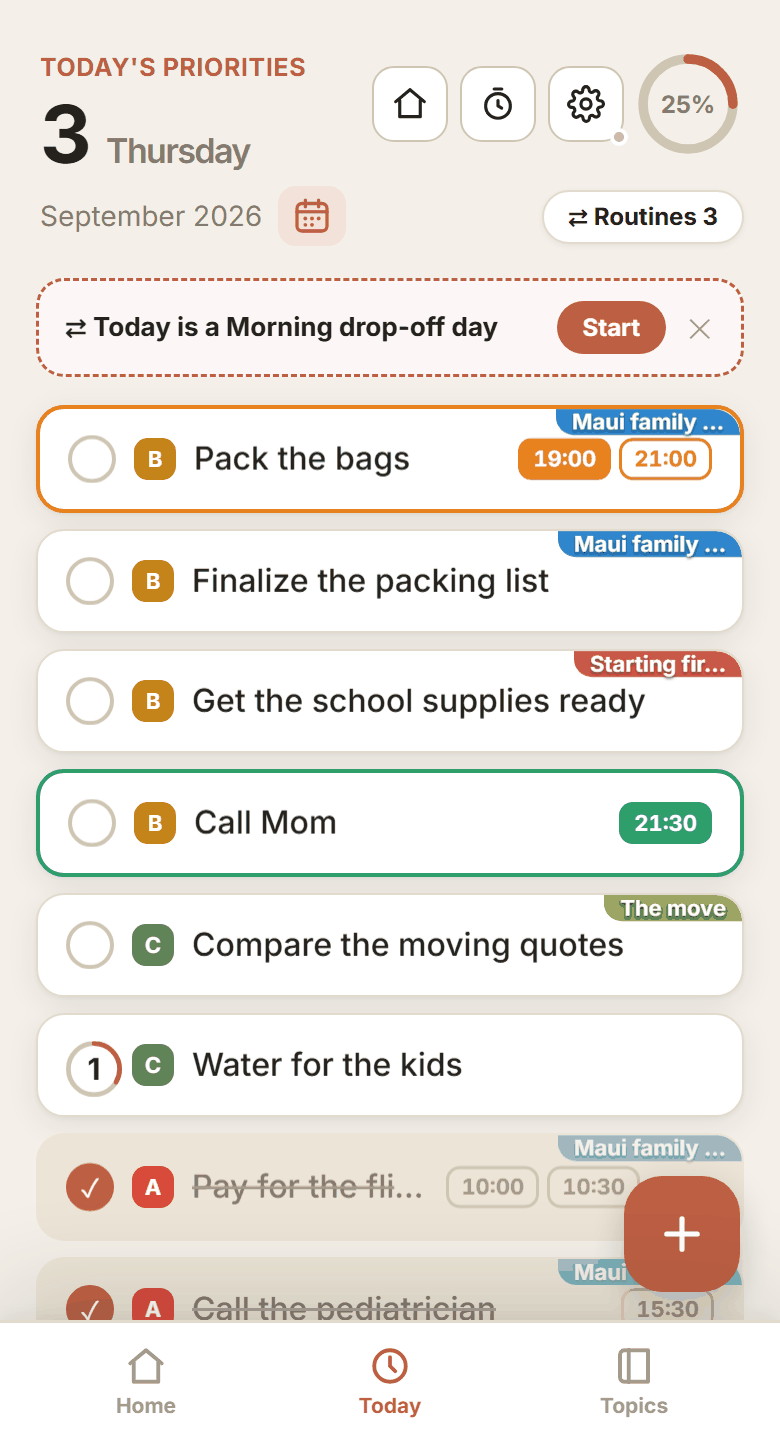
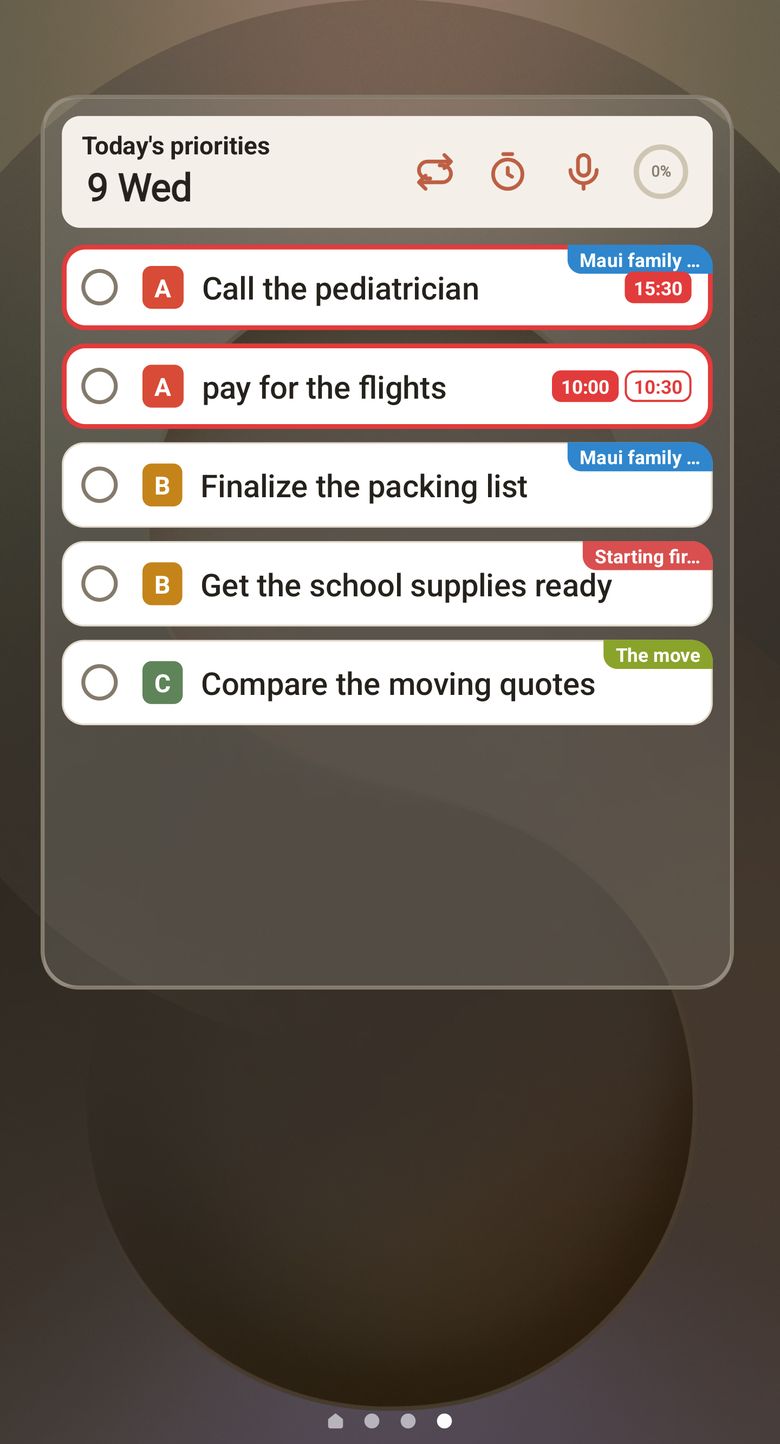
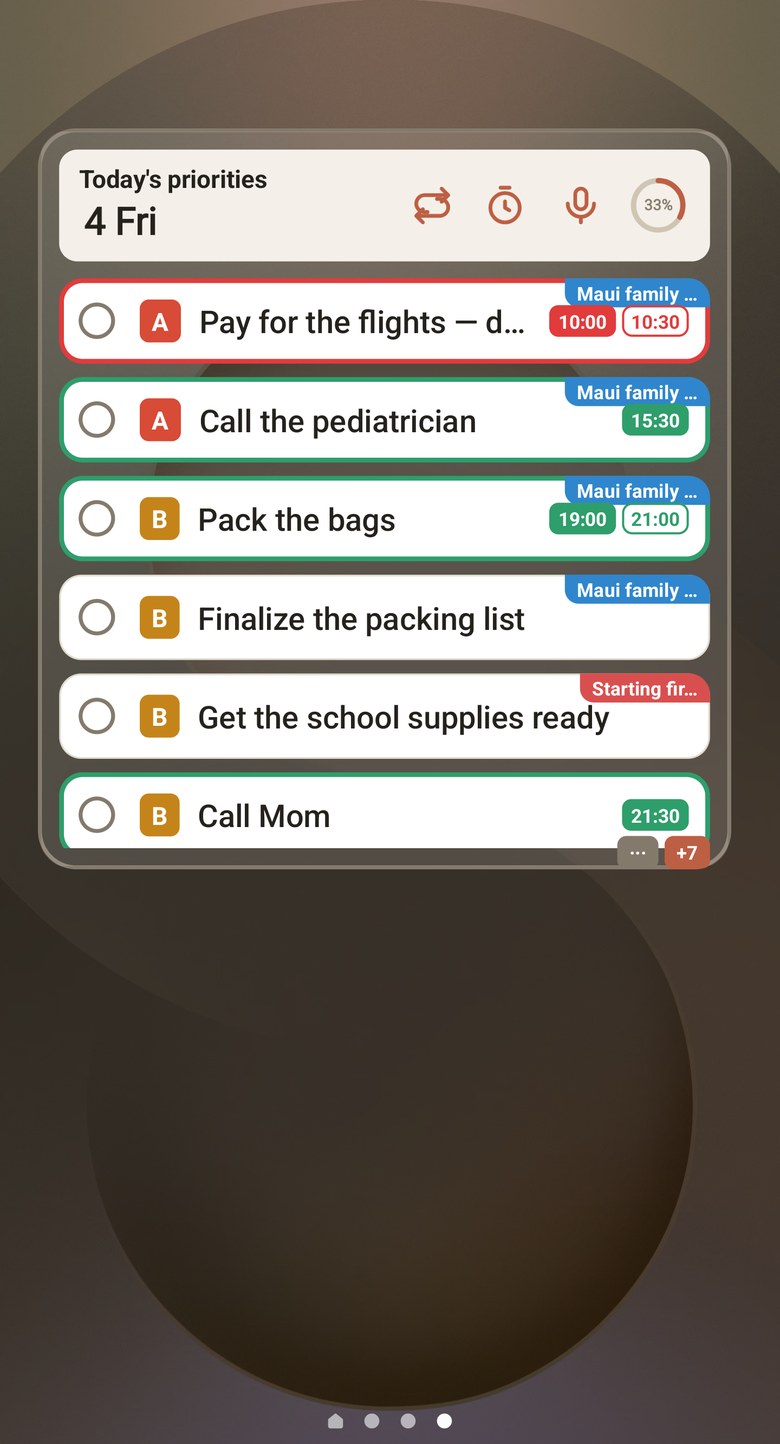
You don't carry all forty at once. Pick what today needs and drop it in the Today list. Mark priority A, B or C and the important ones rise to the top. Time and repeat are set on each task separately.
- One time, or a range.Set a single time like 10:30, or a range like 10:30 – 11:00.
- Some tasks count how many times a day.Things you do over and over, like getting water into the kids, are counted instead of ticked.
- You don't have to pick a date yet.Leave it in Planned and give it a date later.
06
When your hands are full
Say it out loud.
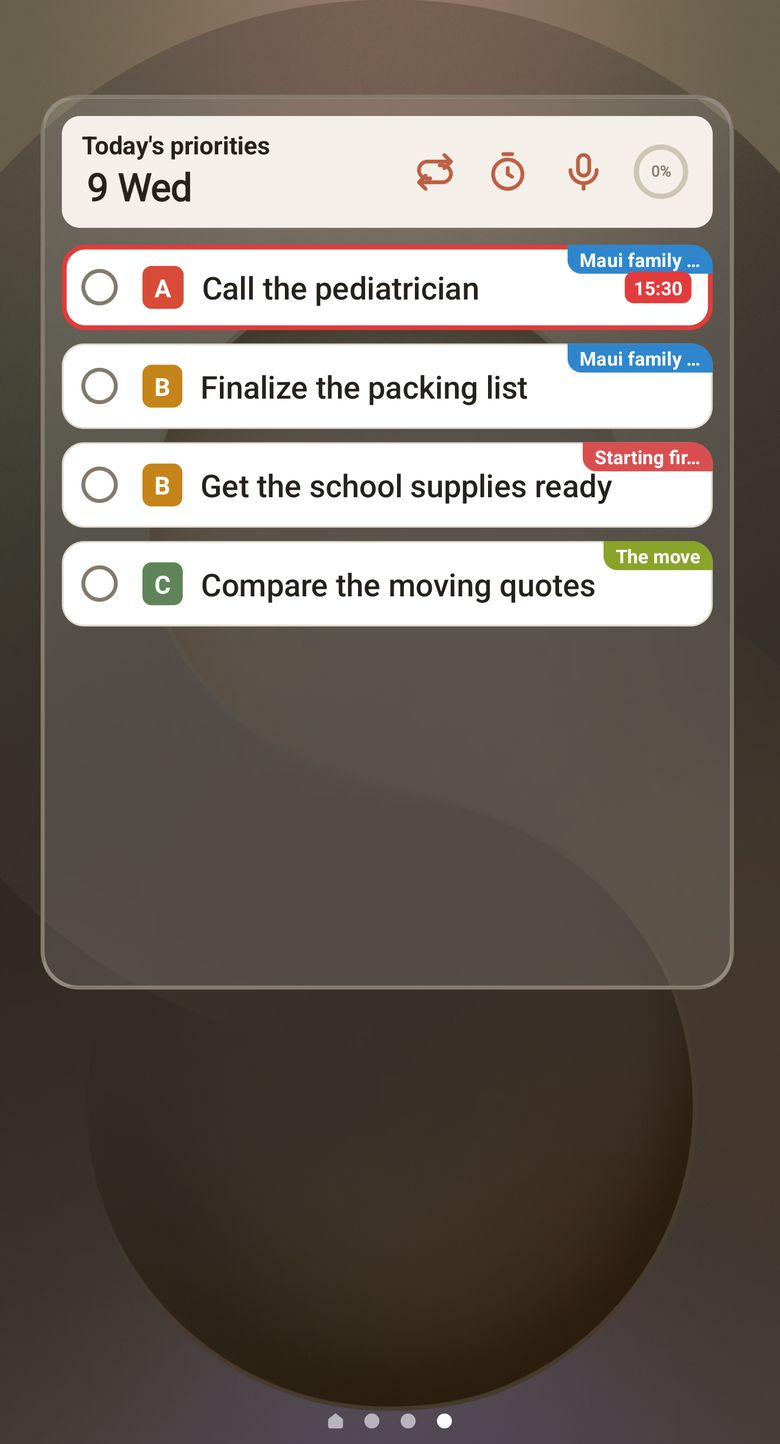
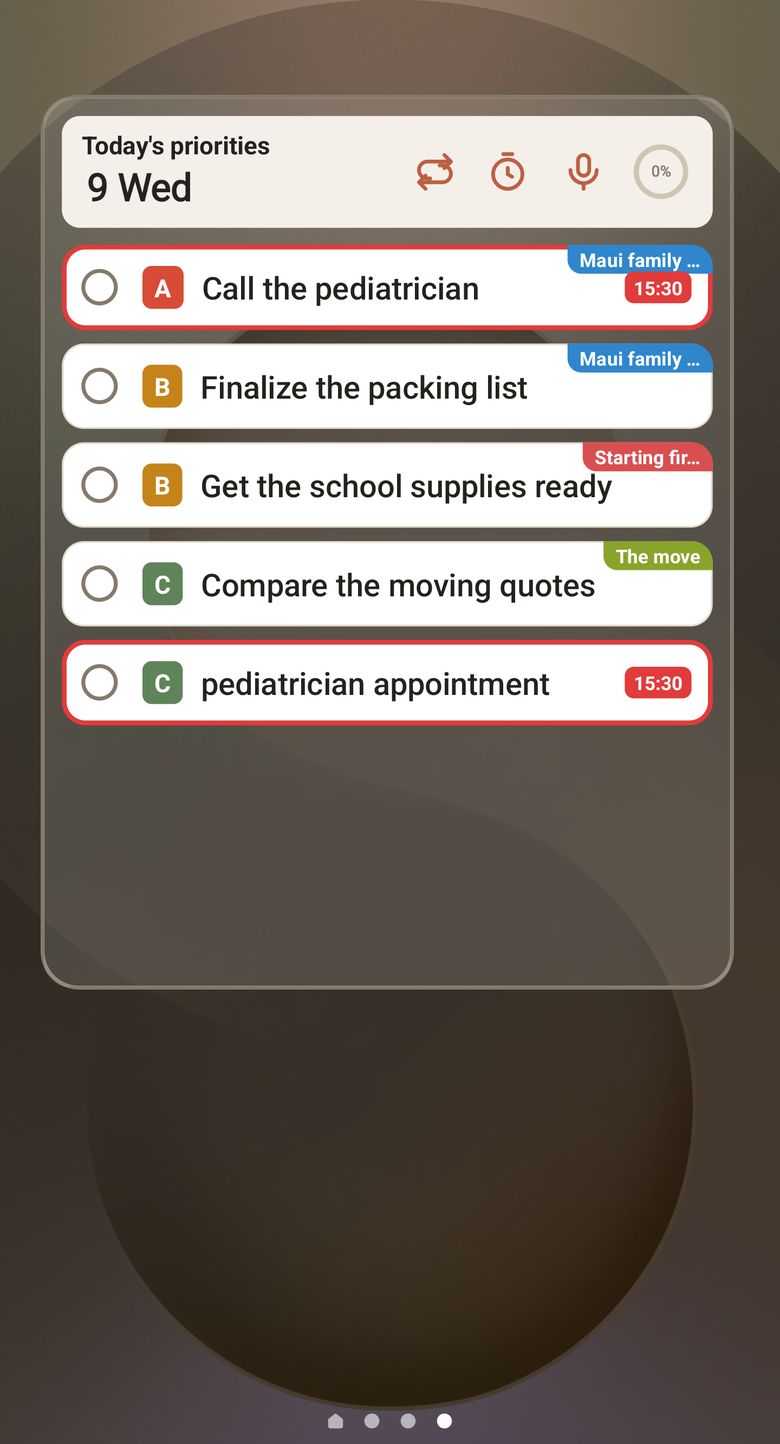
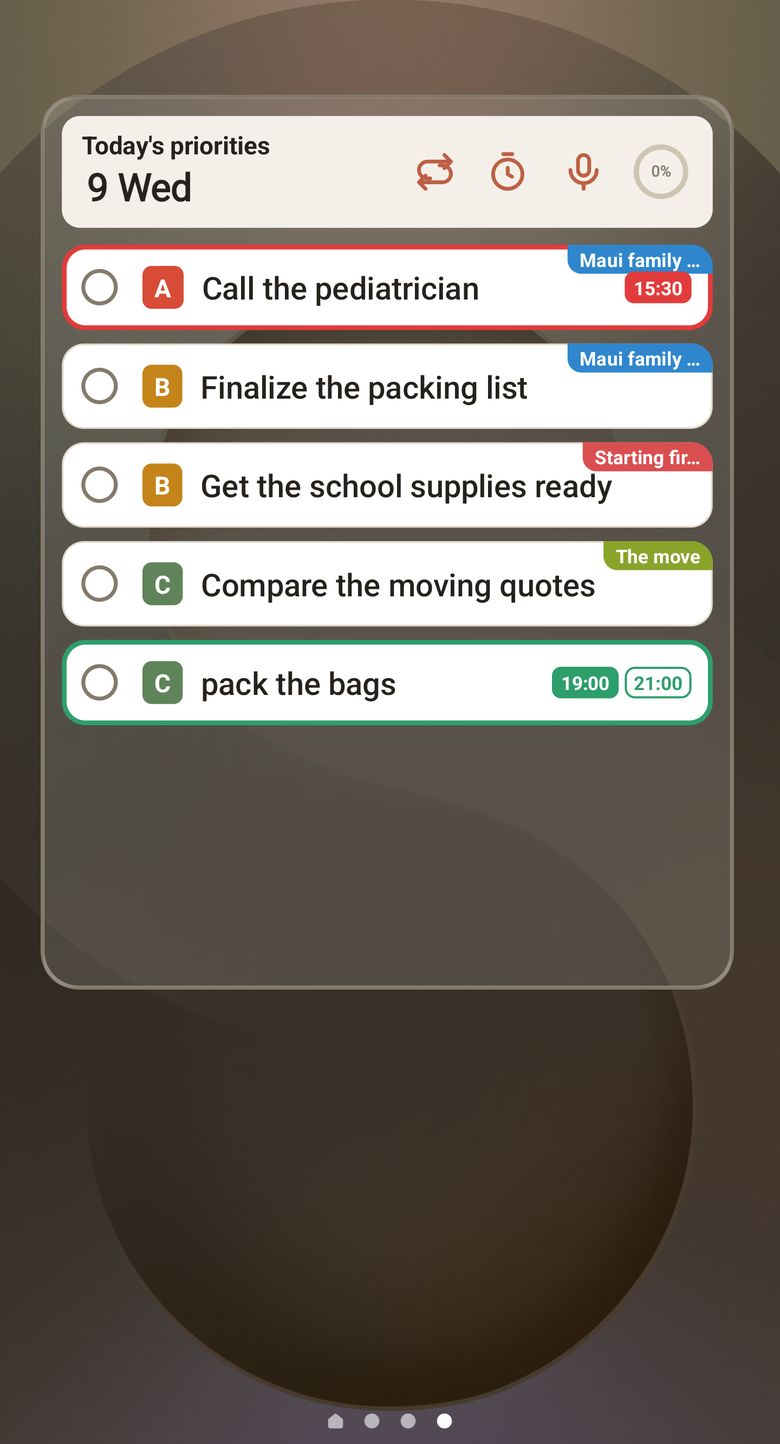
With a child on your hip, or halfway through the dishes. Tap the mic on the widget and say “tomorrow 3:30pm pediatrician appointment”, and the task lands with the date and the time already on it. Same on the widget, in the app, and on your computer.
- It hears dates, times, ranges, repeats, priority and counts.“from 7pm to 9pm pack the bags” becomes a range, “every monday 9am school supplies” becomes a repeat, “urgent car seat rental” becomes priority A, and “drink water 3 times a day” becomes a count.
- It takes the words the way you say them.“three o'clock dentist”, “7pm dinner”, “midnight deadline” all land on the right hour. With no am or pm on it, “three o'clock” is read as the afternoon.
- It understands eight languages.Korean, English, Japanese, Chinese (Traditional), German, Spanish, French and Portuguese. Phone and web follow the same rules, so the same sentence makes the same task anywhere.
07
The ones you can't miss
You get told beforehand.
The free-cancellation deadline on the rental car, the payment cutoff on the flights, the day the balance on the condo is due. You don't have to hold those dates in your head. Anything with a date can carry a reminder.
- Put several reminders on one task.A day before and ten minutes before, both.
- Repeats daily, weekly, monthly or yearly.Set a weekday or a date and it comes back each time.
- Reminders reach four weeks ahead.Anything further out is better off getting a new date.
08
The easy ones to put off
Set a timer and sit down.
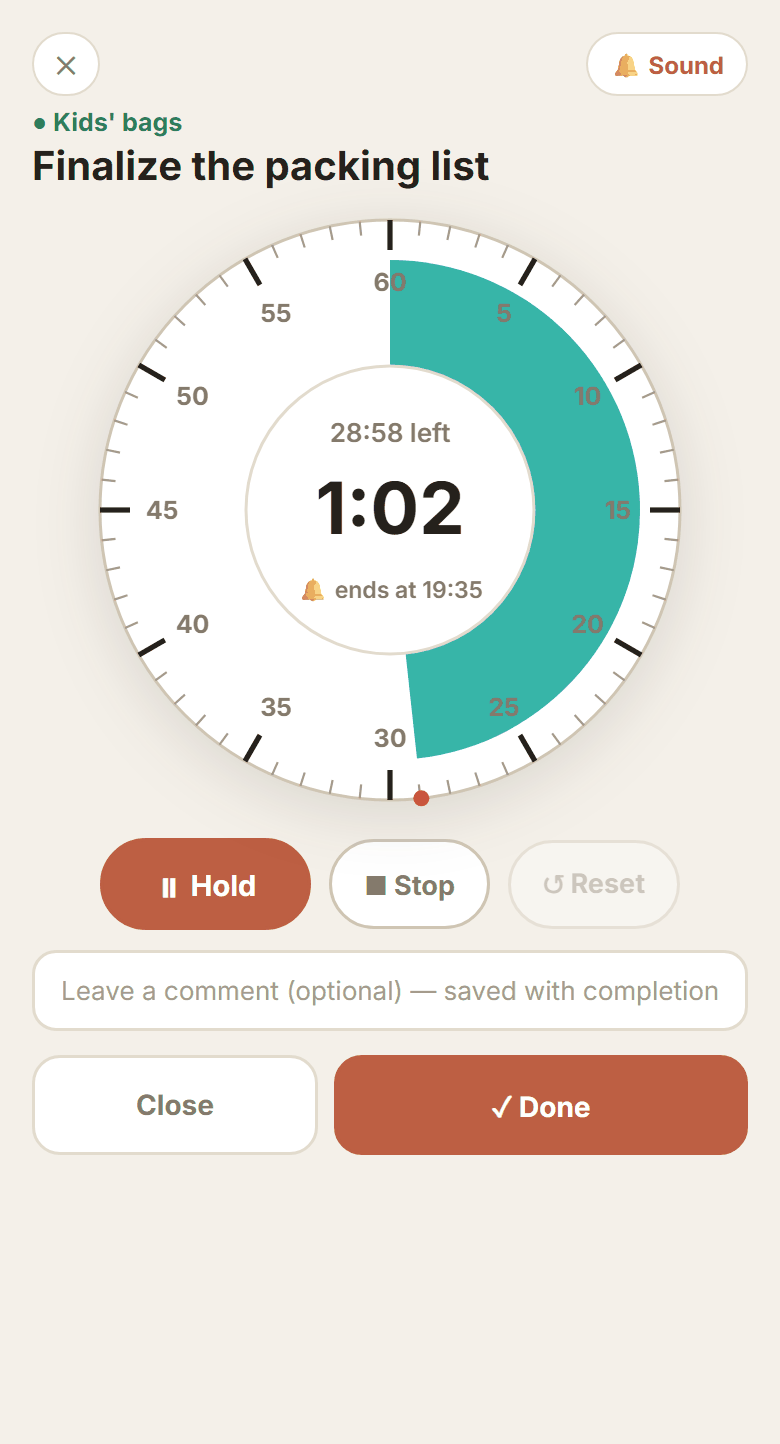
For something like “Finalize the packing list”, where the hard part is sitting down at all, put the kids to bed, start a 30-minute timer and do only that. When it ends you can leave a line about it, and that line stays on the task.
- Send it to Focus.One task in large type, and the screen stays on.
- Tap the 30 min written on the task and it starts there.No need to dial the time in again.
- Switch to something else and the time you logged stays.The one you were on stops and is saved, and the timer moves to the new task.
09
Meanwhile, real life
The trip is not the only thing running.
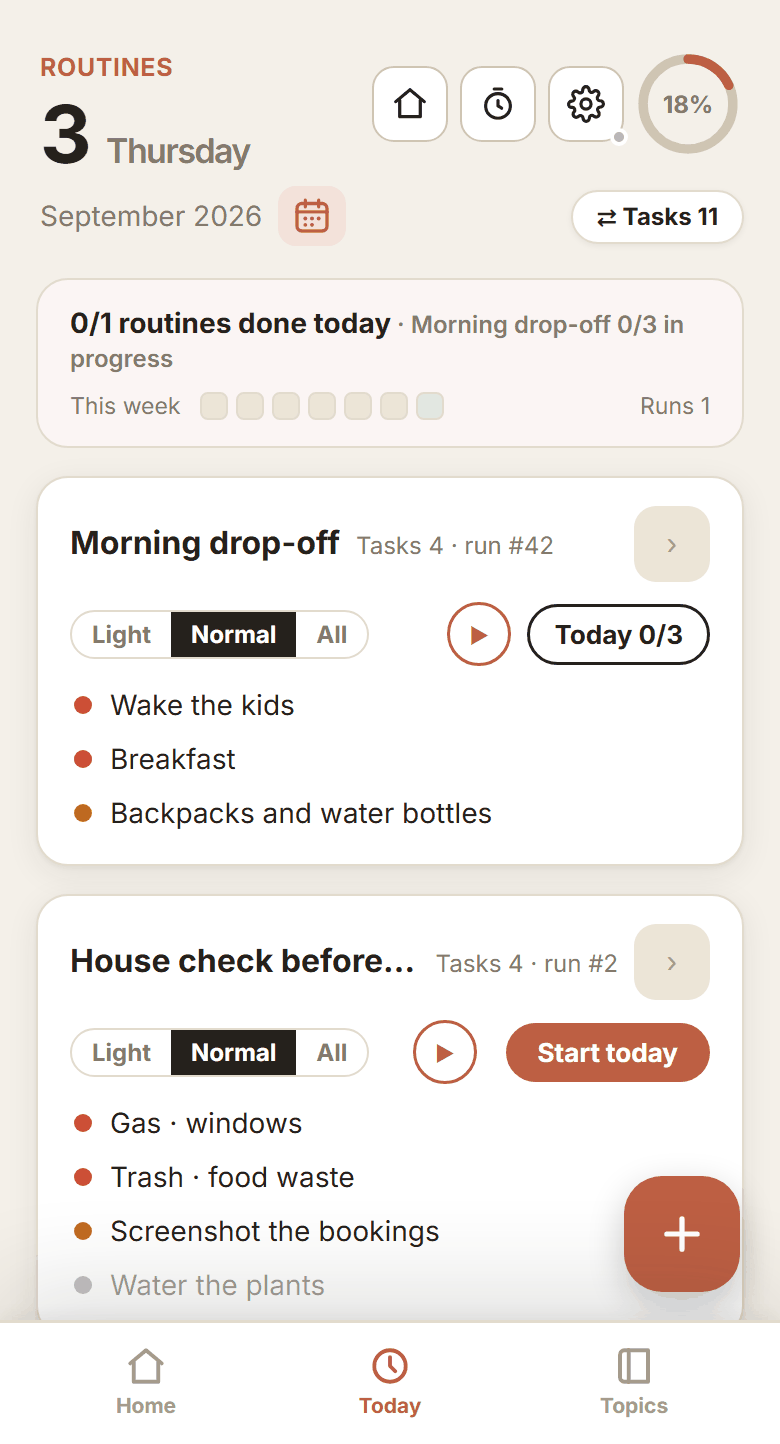
The things you do the same way every day, like the morning drop-off, go into one routine. Tap it once and everything inside drops into today's list together. Each topic has its own color, so the trip and the everyday never blur into each other.
- Set the weekdays.On those mornings it asks at the top of the Today screen, and it skips public holidays.
- It builds up how many minutes it takes.That number is what you plan against next time.
- Run it one item at a time with the timer.It moves through the set in order.
10
The days it doesn't happen
Nothing disappears.
Some days a child is sick and none of it gets done. What you didn't finish moves to tomorrow, or to any date you choose. What you snoozed and when stays on the record too.
- Bring yesterday's leftovers into today.Several at once if you want.
- A day off can stay a day off.It is kept as skipped on purpose, not as failed.
- Every snooze is logged.You can see what you keep putting off.
11
On the trip
Write the day down on the day.
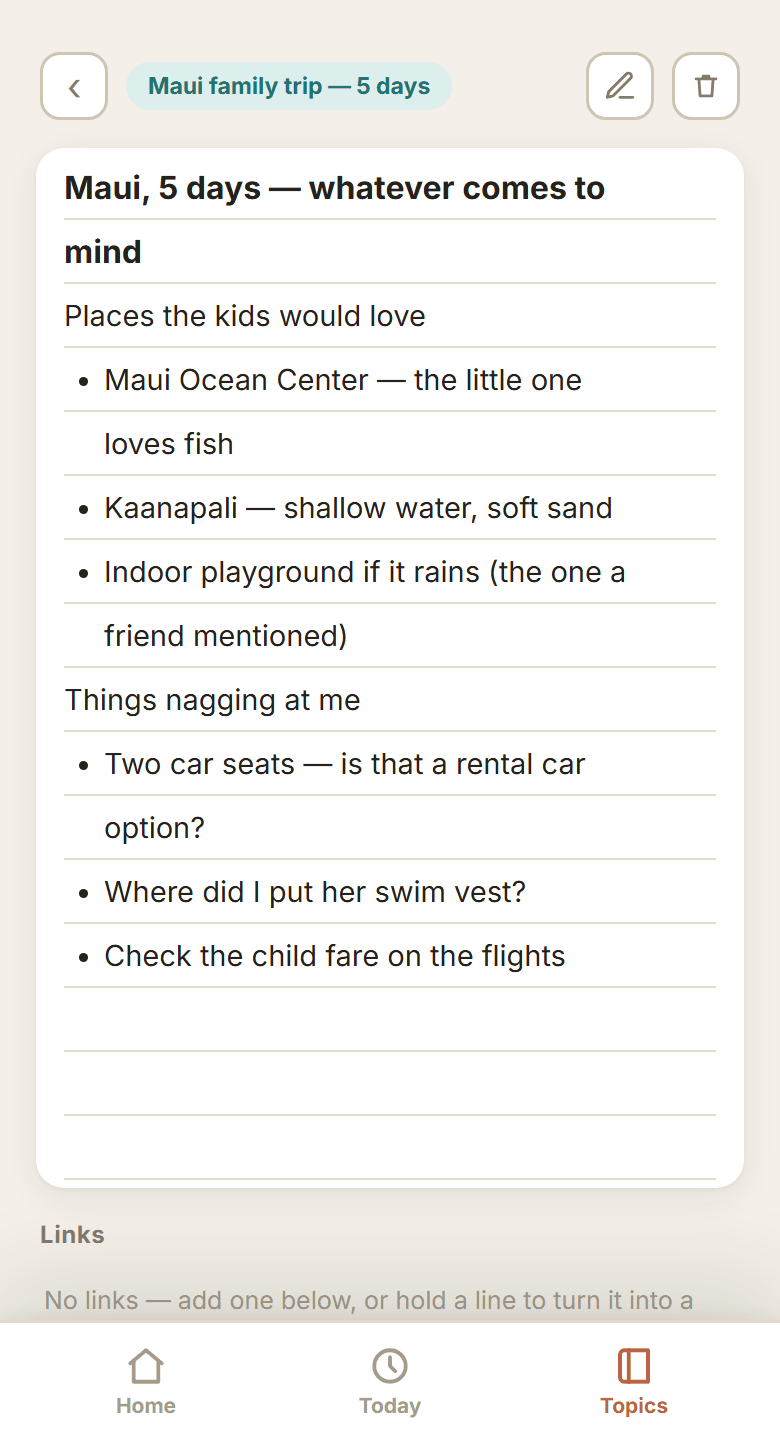
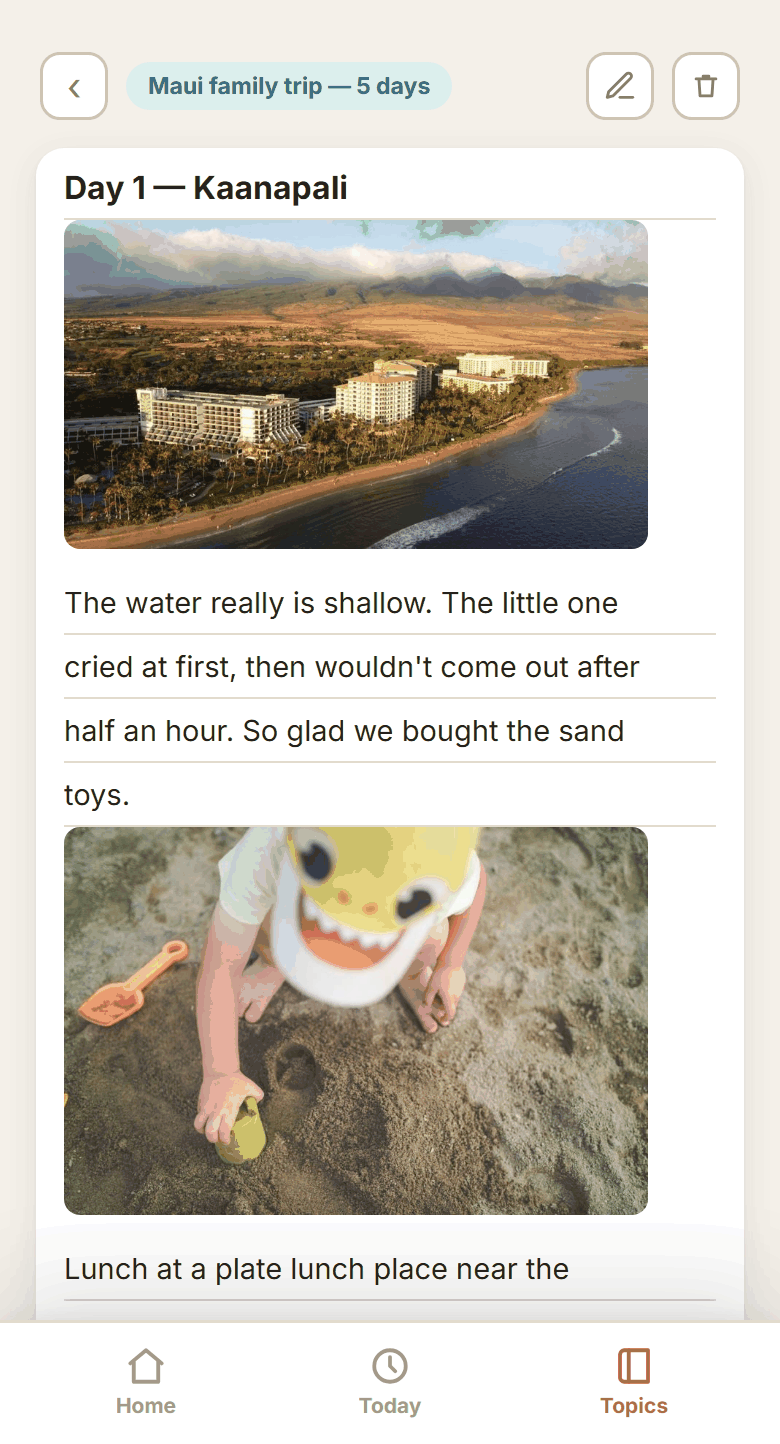
Drop the photos you took and what the day felt like straight into a memo. It stacks up in the same place as the notes you made getting ready.
- Put in as many photos as you like.One a day, with that day's note in between. Photos are stored separately, so the app never gets heavy.
- It hangs on the trip topic.It stays under “Maui family trip — 5 days”, next to everything you did to get ready.
- Open it again the next time you go.A line like “the little one likes the sand more than the water” is the one that pays off.
12
Back home
The topic closes.
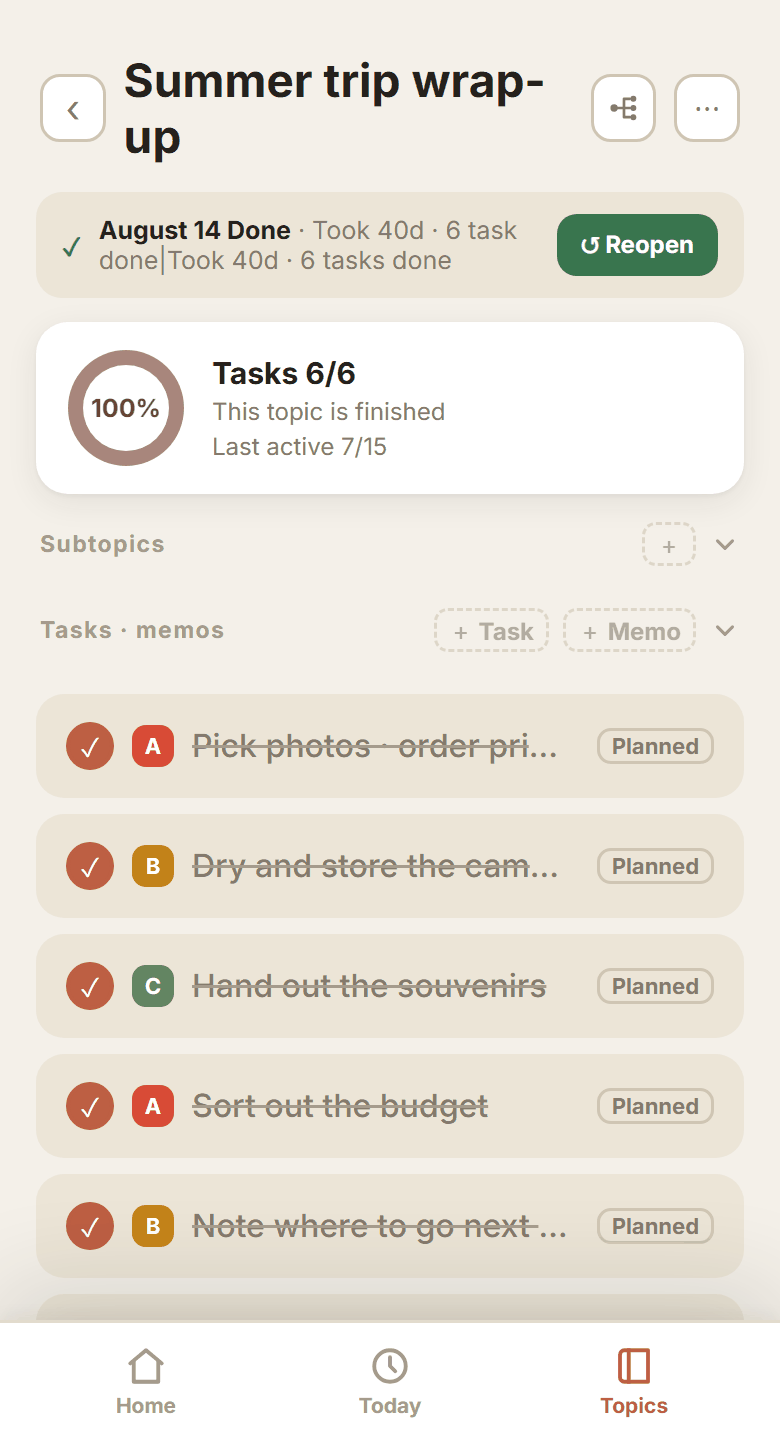
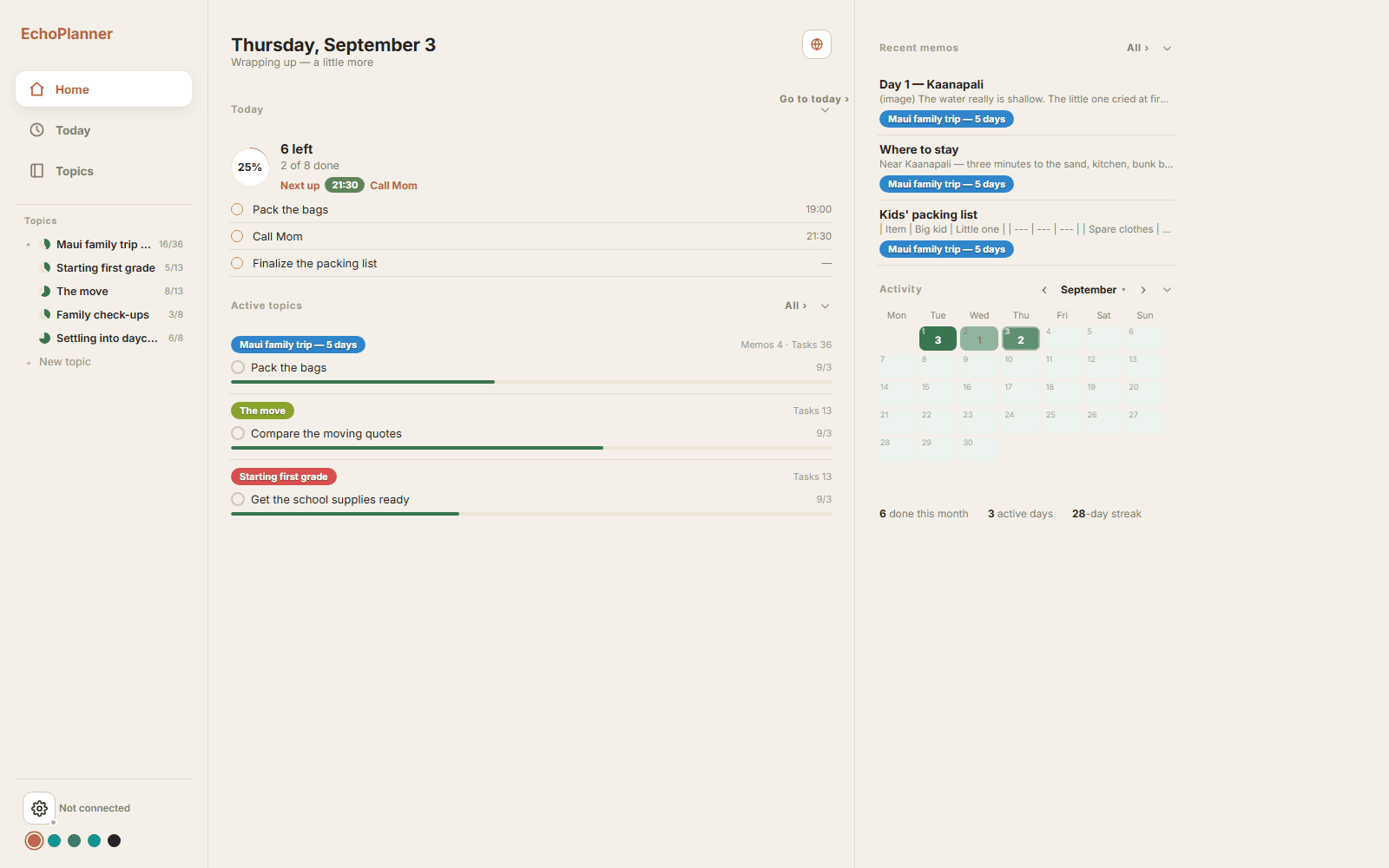
How many days it took and how many tasks you finished are summed up with it. Nothing is deleted, so next trip you pull the “Kids' bags” subtopic out and use it again. The days you finished things build up on the activity calendar.
- See how many you finished this month.The activity calendar fills in day by day.
- A finished topic opens again.Nothing is deleted, so that packing list is there whenever you want it.
- Search finds topics and memos.Half a name is enough to bring it back.
13
What's next
When the trip is over,
the next topic is already there.
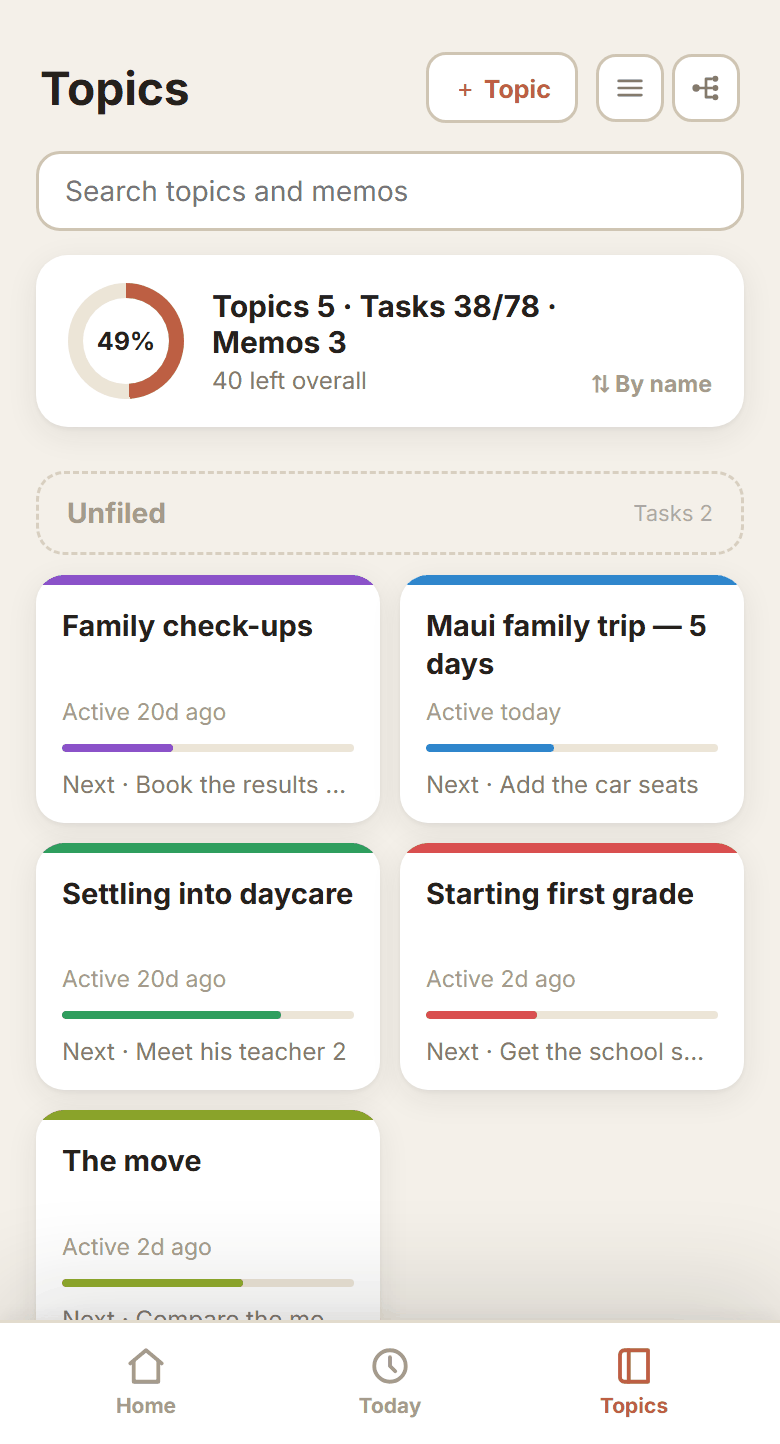
Starting first grade, the move, the family check-ups — everything in progress sits side by side. Each card carries how far it has come and what comes next, so all you do is pick which one to touch first.
- Every topic has its own color.In the Today list, the color tells you which topic a task came from.
- The topic tells you what comes next.The card shows it, like “Next · Add the car seats”.
- Finished topics leave the list.They move to Finished topics and open again any time.